Learn More About Microsoft Office Classes in Long Island
Microsoft Office is a set of computer software applications that can assist with business functions and overall productivity. The suite of applications integrates flawlessly with one another while handling tasks such as word processing, creating spreadsheets, building databases, and designing marketing materials like posters or brochures. Microsoft Office has remained a top software choice among professionals for decades and is used across a variety of industries.
Having an understanding of the different applications in Microsoft Office and how to utilize each one can help in both personal and professional endeavors. Some of the most commonly used programs are Microsoft Word, which is a word processing application, and PowerPoint, which is used to create presentations. There are also more advanced application functions with expanded applications like Visio that assist with blueprints and schematics. Most job positions today require some knowledge of Microsoft Office and applications like Outlook and Word to complete basic office tasks.
Long Island Industries that Use Microsoft Office
Finance and Banking
Microsoft Office is a core tool in Long Island’s finance and banking sector, helping professionals manage data, create reports, and communicate effectively. Tools like Excel are used for financial modeling, budgeting, and forecasting, while Word and PowerPoint assist with preparing client presentations and internal reports. Local institutions such as Bethpage Federal Credit Union, Peoples United Bank, and M\&T Bank rely on Microsoft Office for everyday operations, enabling employees to analyze data efficiently, maintain accurate records, and present insights to stakeholders.
Healthcare and Life Sciences
In Long Island’s healthcare and life sciences industries, Microsoft Office supports administrative, research, and operational functions. Hospitals and medical centers, including Northwell Health, St. Joseph’s Hospital, and NYU Langone Hospital—Long Island, use Office tools to manage patient data, create documentation, and coordinate schedules. Excel is frequently used to track patient statistics, Word helps generate reports and policies, and PowerPoint supports staff training and presentations for research findings, improving communication and efficiency across teams.
Education and Professional Services
Education and professional services on Long Island also rely heavily on Microsoft Office. Schools, universities, and consulting firms use Word, Excel, and PowerPoint to manage records, analyze data, and deliver presentations. Institutions such as Stony Brook University, Hofstra University, and companies like Franklin Templeton Investments leverage Office tools to streamline workflows, prepare educational materials, and support strategic decision-making.
Microsoft Office Careers on Long Island
There are many career opportunities on Long Island for professionals with Microsoft Office skills, as the software applications are used in a variety of industries such as finance, business, and tech. The software bundle has applications that offer word processing, basic data storage, and presentations, which is why it’s commonly used by those who work as Business Analysts. In this role, Analysts perform a variety of tasks, including managing project plans and performing risk analyses. The salary of a Business Analyst on Long Island is around $81,000, which is higher than the New York State average salary.
It’s important to note that mastering Microsoft Office alone is not enough to secure a career, but learning skills within the software can help you to stand out among other applicants during your job search. Microsoft Office is a skill needed for a majority of office jobs, as well as within educational institutions, the finance industry, and the tech industry. With Long Island’s proximity to NYC, there are a variety of career opportunities available. NYC is one of the fastest-growing tech hubs in the United States and is home to many different growing tech companies.
Microsoft Office Classes on Long Island
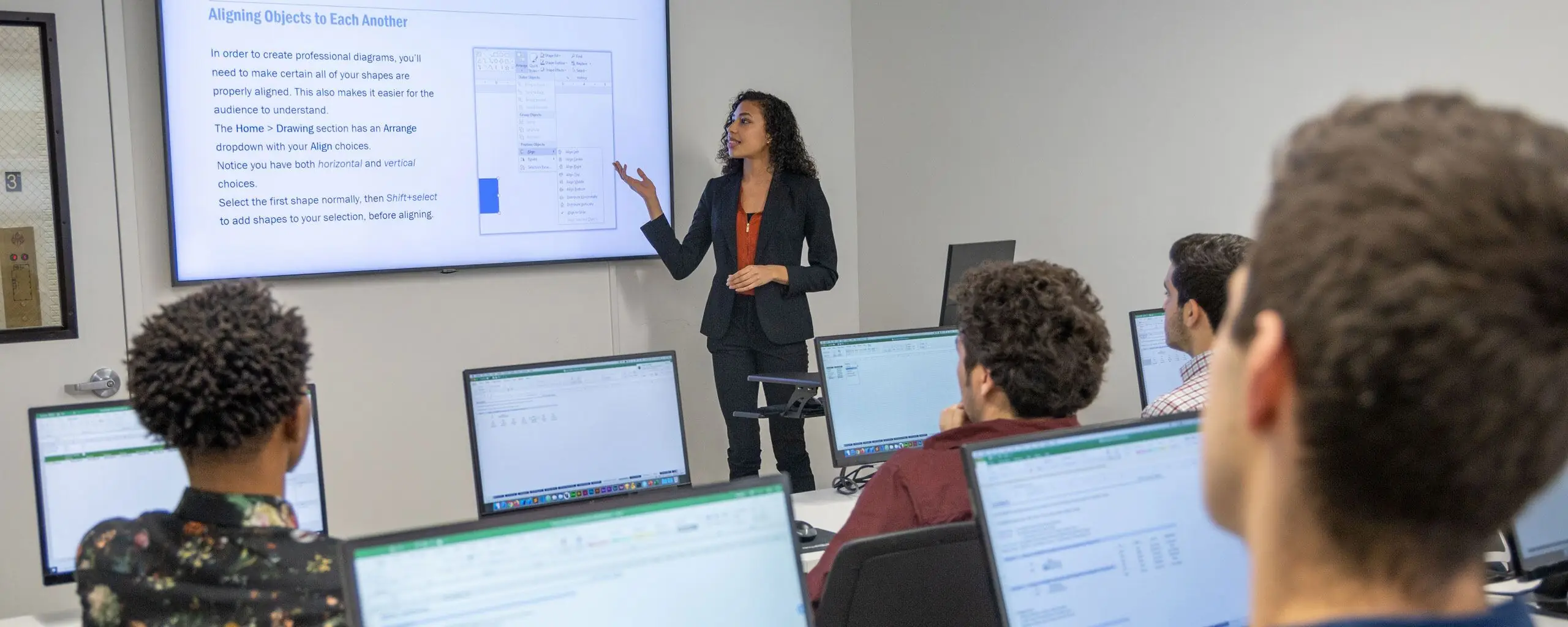
Noble Desktop is one of NYC’s top coding and design schools and is conveniently located on Madison Avenue in Midtown Manhattan. The state-of-the-art facility is within walking distance of Penn Station and boasts a modern computer lab fully equipped with software and equipment. There are several options for Microsoft Office classes available from Noble Desktop that offer small class sizes and hands-on projects to help students learn new skills from industry experts. Noble also runs all of its classes in a live online format.
The Microsoft Office classes at Noble Desktop are a great choice for both beginner and advanced students and cover a wide variety of applications within the suite. The PowerPoint Bootcamp is a great choice for those who want to master templates and animations over 14 hours. Noble’s Excel Bootcamp is a great choice for beginners who want to dive in and master the software. The bootcamp runs for three days and covers fundamental skills as well as more advanced functions like INDEX and MATCH, or creating basic macros. The small class sizes at Noble help students to work closely with instructors and gain proficiency in Excel.
Corporate Microsoft Office Training on Long Island
Nearly any business in every industry uses Microsoft Office in their practices, which is why it’s important to make sure your employees are up-to-date on the latest skills and training. Noble Desktop’s corporate Microsoft Office training is available onsite at your company location or Noble’s offices in Midtown Manhattan. The curriculum for corporate training is customizable and designed to ensure that all employees have similar skill sets.
Noble’s corporate Microsoft Office training, available onsite or virtually, covers programs like Excel, PowerPoint, and Word, though the subject matter is flexible. Choosing in-person training at Noble’s facility is a great way to work with expert instructors and gain access to a fully equipped computer lab for your team. Smaller groups can utilize the onsite training option or complete a live online class via teleconferencing software. There are also pre-scheduled courses that cover a range of topics that are available at a discount with the purchase of a group voucher.
Ready to learn more about corporate Microsoft Office training for your team? Send a message to corporate@nobledesktop.com and receive a free consultation on courses.
Learn From Noble Desktop’s Experienced Microsoft Office Instructors in Long Island
Long Island’s professional community is thriving with opportunities for individuals looking to build skills in technology, design, business, and data. The area is anchored by business centers in Melville and Hauppauge and maintains a strong connection to New York City’s industries. If you want to learn a transferable skill, Microsoft Office is the way to go. By learning how to create published documents, manage data, and design engaging presentations, you will be able to perform well in a variety of positions. Through Noble Desktop’s network of expert instructors, students in Long Island can attain high-quality training led by professionals who understand the local landscape and industry demands. These instructors bring decades of experience and teach in a way that meshes industry knowledge with a commitment to practical instruction.
Noble Desktop has state-of-the-art facilities conveniently located in Midtown Manhattan at 185 Madison Avenue, New York, NY 10016. The campus is centrally located, featuring modern and well-equipped classrooms with access to both PC and Mac desktops. Students benefit from high-speed internet connections and full-time IT support. Moreover, the central location makes it easy to fit your training into your busy schedule. From Long Island, it’s an easy trip to the Noble Desktop facility, accessible by public transportation, from Penn Station, Grand Central Terminal, and several subway lines. If you take the Long Island Rail Road to Penn Station, it’s a short walk to the building.
Linda Haynes-Jackson
As a longtime government contractor and instructor, Linda Haynes-Jackson has accrued over 35 years of professional experience delivering training to federal agencies and corporate clients across Long Island and the nation. She delivers training in Customer Service and Section 508 Compliance and across various Microsoft applications, including Excel, Power BI, Power Pivot, Access, Outlook, Word, Teams, and PowerPoint. In the classroom, Linda is well-regarded for her energetic and lively nature, which is clear through her numerous awards for instructional excellence. Moreover, she has taught a wide range of students, from beginners to advanced users, as well as those with specific accommodations. She holds a Bachelor's from Temple University, a Master’s of Arts from Villanova University, and a Doctorate from NYU.
Garfield Stinvil
Garfield is an accomplished software trainer based in New York City, with over 16 years of experience spanning data analytics, corporate training, and professional development. He began his career as a Data Analyst for a Wall Street real estate investment firm before shifting focus to shaping learning programs and instructing. He is known as a creative thinker and brings humor to the classroom, making students feel comfortable and engaged. Since launching his training career, he has collaborated with a range of high-profile clients, including Adobe, Amazon, and HBO, and has helped teams translate technical knowledge into real-world insights.
Dan Rodney
Dan Rodney is a seasoned Web Developer and Designer with over 20 years of experience creating websites as well as courses at Noble Desktop. He’s passionate about the innovations that connect design with tech, and as such, has been a driving force behind AI integration into a variety of creative and business situations. He enjoys building custom InDesign scripts, such as Make Book Jacket and Proper Fraction Pro, and is consistently exploring new ways to integrate AI and animation into his work. His combined passion for and expertise in tech and design position him as an instructor who knows how to help others stay ahead of the curve while acquiring real-world, practical skills.
Brian McClain
Brian is an experienced New York-based instructor, curriculum developer, and Web Developer with a strong reputation for his professionalism in both teaching and technology. Before joining Noble Desktop, Brian served as a Director for a coding bootcamp, where he oversaw the design and instruction within the program. In addition, he worked as an Adjunct Professor of Computer Science at Westchester County College. Overall, Brian is an active member of the tech community, also working on app development. His app, Artmink, uses AI to provide appraisals of art and antiques from user-submitted images. He currently teaches courses in JavaScript, Python, web development, machine learning, AI, and Python for data science.