Learn More About Microsoft Office Classes in Tampa
Not only are high-level skills in all aspects of Microsoft Office a requirement for many professions, but it is also one of the most user-friendly tools with a wide range of functions for individual use. MS Office is a software hub that can be used at school, at home, and especially in the office. It includes functions such as MS Word, Excel, PowerPoint, Outlook, and Publisher. Using the full suite of MS Office, a person can create documents, run spreadsheets, build slide shows, communicate electronically, and produce quality design-based projects.
As a professional, having the ability to use MS Office with an above-average proficiency is required in workplaces that involve any kind of office work. MS Office is considered the primary way day-to-day duties are performed across departments. It streamlines projects and keeps consistency in the tools a business uses, and it is beneficial for the workforce to all use the same programs. For example, an employee may create a chart in Excel, insert the chart into a slideshow presentation in PowerPoint, and use graphics designed in Publisher to create a professional presentation. Then, that presentation can be sent to coworkers over Outlook, all possible through MS Office.
Industries in Tampa that Use Microsoft Office
Finance
The finance sector is one of Tampa’s strongest, with thousands of employees working in banking, investment, FinTech, insurance, and back-office corporate jobs. The region is known for major employers like Citi as well as more localized financial institutions like Raymond James Financial, headquartered in nearby St. Petersburg. Financial Analysts use Excel heavily for financial modeling, forecasting, and auditing.
Tech professionals use MS Office all the time, like Excel for data management and Word for internal documentation and user guides. There is a tool for everything in Microsoft’s collection of software, meaning companies like Verizon, which has a regional operations center in Tampa, see the value of hiring employees with strong mastery of MS Office.
Healthcare
Tampa has some nationally ranked healthcare institutions throughout the city, like the Moffitt Cancer Center. It’s common for some professionals in the healthcare industry to use MS Office all the time, such as PowerPoint for department training, medical education, and treatment planning. Those working in roles related to HR, finance, and data analytics are most likely to use MS Office.
Government
The City of Tampa relies extensively on MS Office applications to maintain everything from budgets and payroll to interdepartmental communications and signable internal documents. For instance, many working in HR departments will use Excel for financial management, payroll, grants, and population data.
Microsoft Office Careers in Tampa
Opportunities for a career in any industry in Tampa that uses Microsoft Office are vast. Any job that involves the use of a computer will require substantial expertise with MS Office. Microsoft Office is intuitive for anyone who has computer experience.
The more experienced someone is with computers, the easier it will be for them to pick up additional levels of MS Office functions. A higher ability level markedly improves job prospects. Starting with just one of the MS Office skills, a person can easily transfer similar skills to other MS Office programs.
Determining how much a professional can make in Tampa with solid MS Office skills can be derived from looking at the highest-ranking industries in the area. An excellent way to determine a salary for a preferred job can be accomplished by a simple search on the internet job boards. MS Office is a translatable skill in any industry, so the compensation will vary depending on what role is sought.
For instance, HR Specialists use MS Office extensively. They earn between $50,000 and $85,000 each year, depending on the company and level of experience. Likewise, Marketing Coordinators often use MS Office products like PowerPoint, Word, and Outlook. They earn between $45,000 and $75,000 in the Tampa region, but this can vary, too. Financial Analysts use Excel all the time and earn anywhere from $65,000 to $105,000 in Tampa.
Microsoft Office Classes from Noble Desktop 12 mins
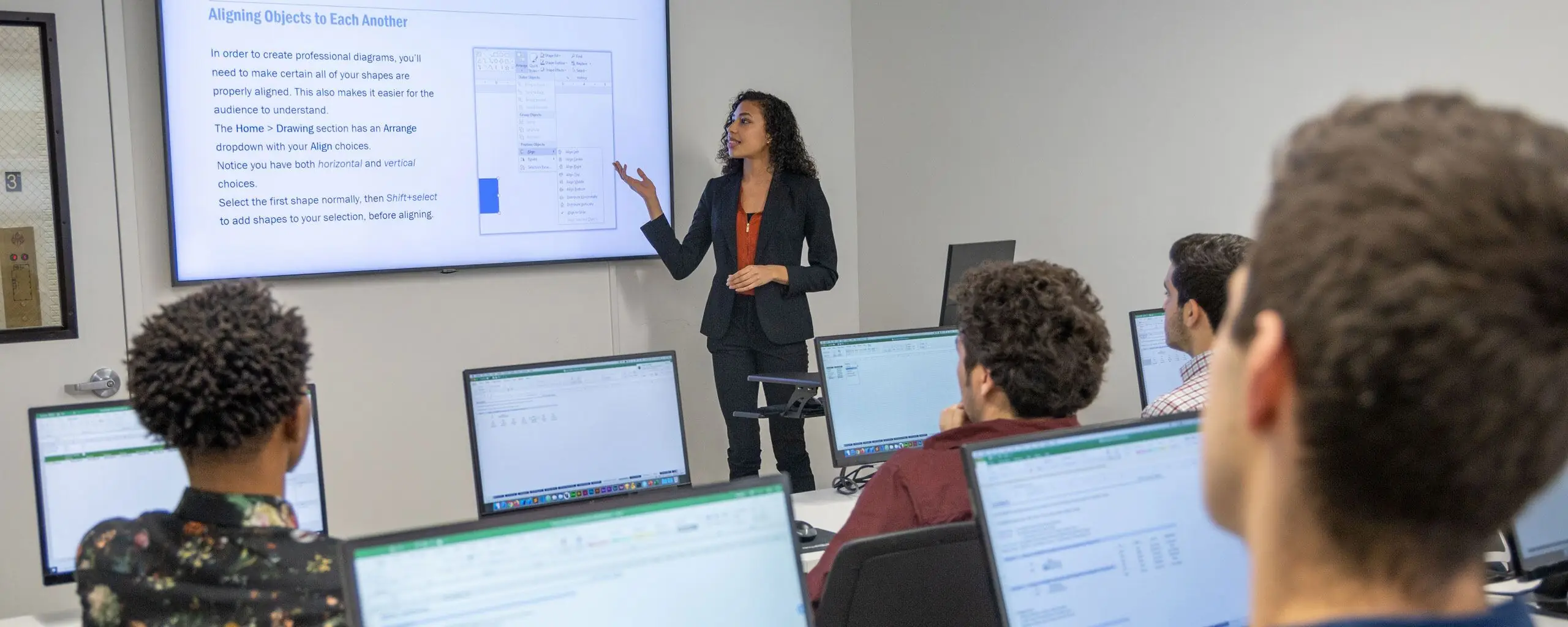
If you’d like to take Microsoft Office classes from a more flexible location, such as your home or office, then virtual Microsoft Office classes are for you. Noble Desktop offers live, hands-on courses, so students have the attention and guidance from the instructor in real-time and can even share their computer screen if they’d like.
Students can explore a variety of Microsoft Office classes, such as the Complete Microsoft Office Bootcamp. Here, students gain a comprehensive overview of Excel, PowerPoint, Word, and Outlook. These are some of the most widely used apps, so it’s worth exploring if you know your career will require you to use these tools extensively. You could also explore these courses individually in bootcamps: Excel Bootcamp, PowerPoint Bootcamp, Outlook Bootcamp, and Word Bootcamp.
However, you could also explore these courses in levels. For instance, there are three levels of Excel, two levels of PowerPoint, two levels of Word, and two levels of Outlook. You could take these one by one and stretch out the learning experience as much as you need. Or, you could choose to gain a basic understanding of some and mastery of others. This is one great way to customize your learning process. In addition, you could explore two levels of Project, Microsoft’s project management tool, as well as varying versions of Excel classes, such as Excel for Data Analytics and Excel VBA and Macros Level I and II.
You could also explore the Excel Specialist Certification Program or the PowerPoint Specialist Certification. These are just two of the many higher-level courses that offer preparatory lessons to ace the corresponding exams for these applications.
Corporate & Onsite Microsoft Office Training in Tampa
Many employees already have some Microsoft Office knowledge, but bringing everyone up to a higher level of abilities is an excellent investment in your workforce. Noble Desktop offers live, onsite Microsoft Office corporate training that can boost your workplace’s daily productivity. An expert Noble Desktop instructor will come to your location, or a live online course can be arranged on a video conferencing platform such as Zoom.
Sometimes, employees appreciate the option of taking a Microsoft Office class when it fits in with their schedules. For them, you can obtain vouchers that allow them to take a course in an open enrollment session. There is a discount on the purchase of multiple vouchers. Contact Noble Desktop for more information about Microsoft Office training for your business.
Learn From Noble Desktop’s Experienced Microsoft Office Instructors in Tampa
Tampa is one of the most diverse areas in Florida, making it an ideal place to develop skills in technology, business, design, or data through training courses. The city’s economy spans industries such as finance and cybersecurity, with prominent companies and startups throughout the Tampa Bay area. Tampa offers professionals the opportunity to apply what they learn in a real-world setting, from the executive-driven Water Street district to the Channelside areas. Noble Desktop’s instructors bring decades of experience to each class, meshing practical training with hands-on learning. The training courses in subjects ranging from coding to Excel, instructors help students gain the practical experience needed to succeed in Tampa’s competitive job market.
Microsoft Office supports essential communication, analysis, and documentation across Tampa’s workplaces. With this, the instructors at Noble Desktop strive to provide clear, task-based guidance to help students strengthen their skills in Word, PowerPoint, and Excel.
Cheryl McCloud
Dr. Cheryl McCloud is a seasoned expert with over 35 years of experience in global supply chain management, spanning across industries like transportation, trade compliance, and inventory management. She earned her Bachelor’s in International Studies from Old Dominion University before pursuing an MBA in Project Management from Devry University and a DBA in Global Supply Chain Management from Walden University. Dr. McCloud currently teaches project management and marketing classes at Graduate School USA and has the background to help others reach the next step in their careers as well. She previously owned a global transportation business and served as a federal government contractor. Additionally, she provided global trade compliance oversight for major shippers across the world. She’s also a licensed U.S. Customs Broker with certification in project management and federal maritime law. Between her extensive career and numerous accolades, Dr. McCloud serves as a fantastic asset and resource for students.
Edward Dillion
Edward (Scott) Dillion is a retired Senior Financial Manager with over 30 years of experience in the Department of Defense, specializing in financial management, budgeting, auditing, and cost analysis, just to name a few subjects. He holds an MBA from Southern Illinois University and a B.A. in Business Administration from Grove City College. After retiring from civil service in 2014, he transitioned to a career as an instructor and consultant. He has worked as an adjunct instructor at Graduate School USA since 2015 and teaches a variety of courses, including project management and marketing. Dillon is also a Subject Matter Expert (SME) for Management Concepts Inc., where he contributes to financial management course material. In addition to his accomplishments in the professional world, he holds a lifetime membership of the American Society of Military Comptrollers and has a Top Secret security clearance. His career positions him as an excellent source of knowledge for all his students.