Main Campus – NYC
185 Madison Ave, NYC
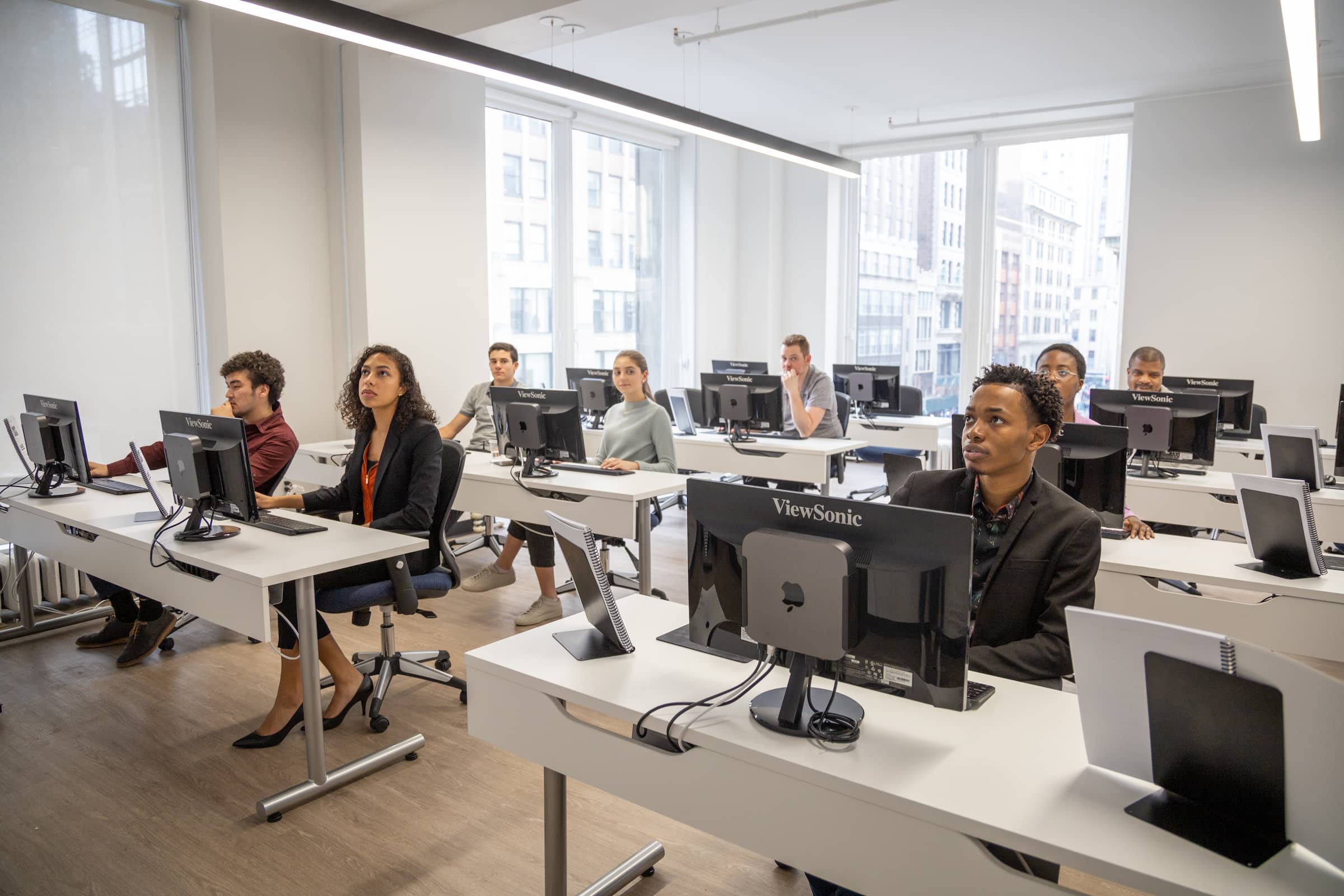
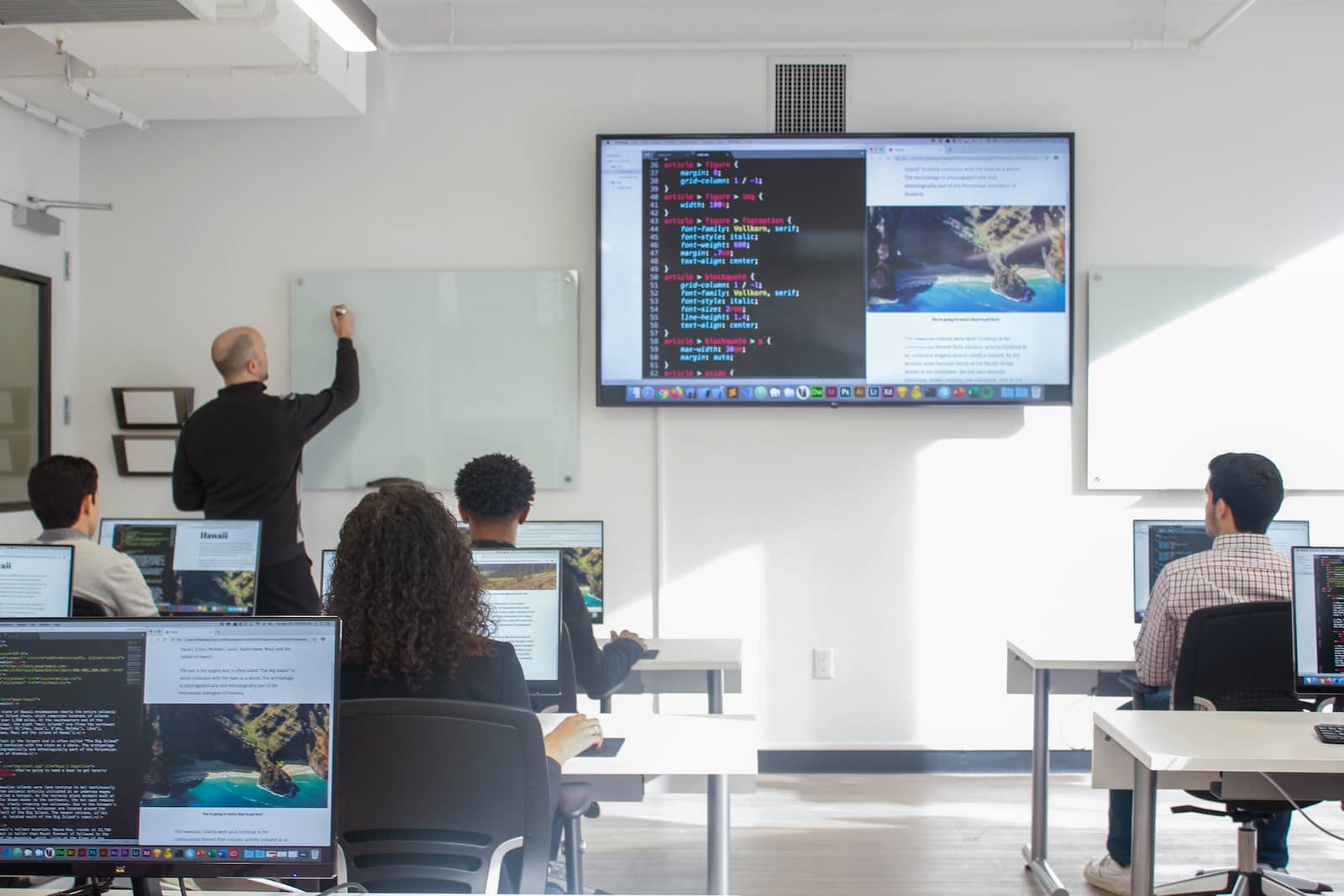
Centrally located in New York City, Noble Desktop’s Midtown Manhattan campus features a spacious common area and bright, modern classrooms with state-of-the-art computers and projectors. We provide high-speed Internet, full-time IT support, and PC and Mac desktops loaded with the software you’ll need. If you require assistance during your class, our instructors and staff are available to help. Free coffee and food storage are available to help you stay powered up while you learn.
- Live, interactive class
- Experienced instructor in the room with you
- Computer and software provided
- Free retake within one year
- Centrally located in Midtown Manhattan
- 45,000+
Students - 36
Years - 2,500+
Testimonials
Frequently Asked Questions
Who teaches Noble Desktop’s classes?
Noble Desktop’s classes are taught by experts in their respective fields. This ensures that you learn in-demand and current skills needed in your career. You’ll learn from seasoned designers, developers, marketers, data scientists, and analysts. Most of them have their own freelancing or consulting practice which helps keep them current with the latest industry trends.
How many students are in a class?
Noble Desktop’s typical class ranges from 8–12 students, but we accept up to 20 students.
What do I need to bring to an in-person class?
For all in-person classes, we provide computers with the software, so you can travel light. You can bring a pen and notebook to take notes if you'd like.
We will email you prior to the course if your course requires additional materials. For instance:
- Premiere Pro: bring headphones to class
- Google Ads: set up a Google Ads account before class
- HTML Email: make sure to have an active Gmail account
How are the classes taught?
All our classes are taught with projects and exercises and are hands-on. There are instructor demos or lectures throughout the course, but students spend most of the time working on exercises and mini-projects with guidance from the instructor. This hands-on instructional method ensures that participants can apply their skills right after the course.
What happens if I need to miss a session?
You have some options:
- You can watch a recording of the session. We will provide any course materials.
- You can use your free retake to make up any missed class time.
Are books provided?
For most classes, a complimentary book or training manual is provided (physical copy for in-person attendees, and eBook for remote attendees). See the individual course page for more details.

Campus Amenities
- Free coffee
- Wifi
- Fridge & microwave for lunch storage & re-heating
- Common area for breaks
- In-person assistance for any questions you might have
- Hand sanitizer
In-Person Classes at our NYC Campus
All times are listed in Eastern Time unless otherwise specified.
| Course, dates, and times | Price and duration | Description | Registration |
|---|---|---|---|
| September 2026 | |||
|
September 27–December 27
Sundays
10–5pm
|
$2,995
84 Hours
|
Begin your journey as a professional graphic designer by learning the essential skills and tools used by industry experts. Gain hands-on experience in Adobe Photoshop, InDesign, and Illustrator, and create a stunning portfolio to showcase your talent to potential employers or clients. |
|
|
September 27–March 28
Sundays
10–5pm
|
$4,995
156 Hours
|
This certificate program equips you with in-demand data analytics skills—Excel, SQL, Python, and Tableau—through hands-on, real-world projects designed to get you job-ready as a Data or Business Analyst. |
|
|
September 27–October 11
Sundays
10–5pm
|
$1,149
21 Hours
|
Prepare for the Microsoft Excel exam and become an Excel expert with our certification program. Learn formulas, functions, Pivot Tables, charts, and more through group classes, private training, and an exam with a free retake. |
|
|
September 27–October 11
Sundays
10–5pm
|
$599
18 Hours
|
Become proficient in Microsoft Excel and go from beginner to pro with our hands-on Excel Bootcamp. Learn functions, formulas, Pivot Tables, macros, and time-saving techniques to conquer all the key skills needed to succeed in using Excel. |
|
|
September 27–October 11
Sundays
10–5pm
|
$959
19 Hours
|
Boost your resume with a Microsoft Excel Certification. Our program offers three courses, private tutoring, the Specialist Exam fee with free retake, lifetime access to Excel video courses, and free exam proctoring. |
|
Showing 5 of 2,103 courses
Live Online Training
Remote, from anywhere
As an alternative to in-person learning, Noble Desktop provides a premium virtual classroom experience. Our live online training is hands-on and interactive, just like the in-person training. You’ll be able to talk with your instructor and classmates, ask questions, and share your screen throughout the course. Unlike pre-recorded training, your instructor will be present to give demonstrations and guide you through projects. All class files and workbooks are made available electronically at no additional cost. We provide setup assistance to all students who require it to ensure your class is free of technical issues.
- Live, interactive class
- Experienced instructor teaching over Zoom
- Remote setup assistance provided
- Free retake within one year


Frequently Asked Questions
How does live online training work?
Our live online training is interactive and hands-on just like our in-person classes. Learn more about the live online experience at Noble Desktop.
What software or equipment do I need for live online training?
Students must have a Mac or PC available and a strong internet connection.
Each class requires a different software. See the class page for more information or email us at hello@nobledesktop.com.
We will work with participants prior to the class date to ensure that everything
Are there any additional costs for live online training?
There are no additional costs payable to Noble Desktop for live online training. Students may be required to purchase a license for the software if a free trial is not available.
Email us if you need assistance.
What happens if I need to miss a session?
You have some options:
- You can watch a recording of the session. We will provide any course materials.
- You can use your free retake to make up any missed class time.
Are books provided?
For most classes, a complimentary book or training manual is provided (physical copy for in-person attendees, and eBook for remote attendees). See the individual course page for more details.
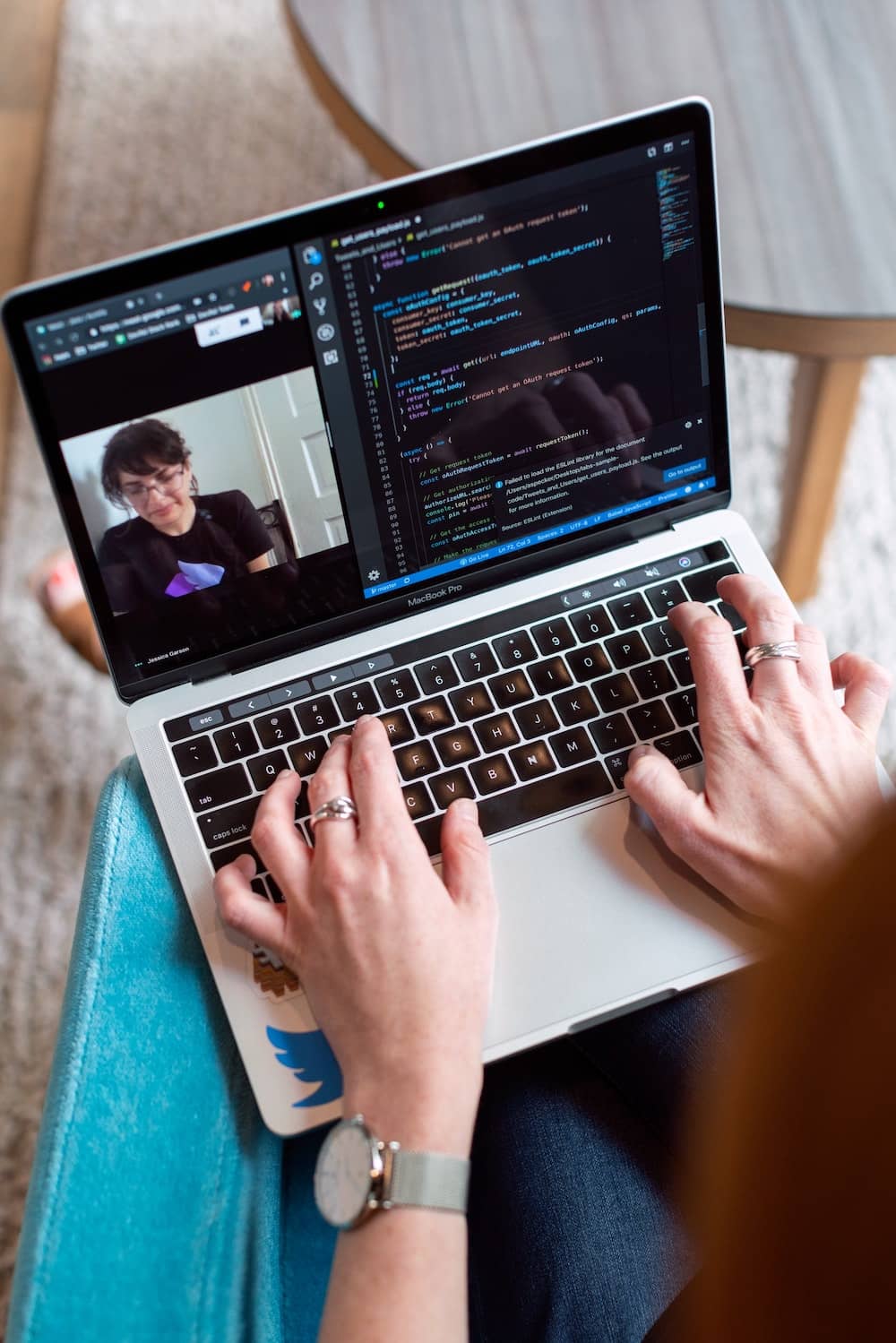
How Live Online Training Works
- Choose “online” during checkout
- Download required software before class
- Log in to Zoom 15 minutes before class using the link provided
- Hear the instructor and see their screen in real-time
- Ask questions and share your own screen
Upcoming Live Online Classes
All times are listed in Eastern Time unless otherwise specified.
| Course, dates, and times | Price and duration | Description | Registration |
|---|---|---|---|
| September 2026 | |||
|
September 27–December 27
Sundays
10–5pm
|
$2,995
84 Hours
|
Begin your journey as a professional graphic designer by learning the essential skills and tools used by industry experts. Gain hands-on experience in Adobe Photoshop, InDesign, and Illustrator, and create a stunning portfolio to showcase your talent to potential employers or clients. |
|
|
September 27–March 28
Sundays
10–5pm
|
$4,995
156 Hours
|
This certificate program equips you with in-demand data analytics skills—Excel, SQL, Python, and Tableau—through hands-on, real-world projects designed to get you job-ready as a Data or Business Analyst. |
|
|
September 27–October 11
Sundays
10–5pm
|
$1,149
21 Hours
|
Prepare for the Microsoft Excel exam and become an Excel expert with our certification program. Learn formulas, functions, Pivot Tables, charts, and more through group classes, private training, and an exam with a free retake. |
|
|
September 27–October 11
Sundays
10–5pm
|
$599
18 Hours
|
Become proficient in Microsoft Excel and go from beginner to pro with our hands-on Excel Bootcamp. Learn functions, formulas, Pivot Tables, macros, and time-saving techniques to conquer all the key skills needed to succeed in using Excel. |
|
|
September 27–October 11
Sundays
10–5pm
|
$959
19 Hours
|
Boost your resume with a Microsoft Excel Certification. Our program offers three courses, private tutoring, the Specialist Exam fee with free retake, lifetime access to Excel video courses, and free exam proctoring. |
|
Showing 5 of 2,447 courses