Enhance your Adobe InDesign skills with this comprehensive video tutorial series, covering everything from the basics to working with graphics, and more advanced type formatting. This series is an essential resource for anyone interested in graphic design or looking to expand their Adobe InDesign knowledge base.
Key Insights
- This series begins with an introduction to the basics of Adobe InDesign.
- It then delves into the integration of pixel-based graphics from Photoshop and vector-based graphics from Illustrator, demonstrating how to create a layout in InDesign.
- Viewers will also learn advanced type formatting in InDesign, including using all caps, small caps, and open type options.
- The series also covers more complex elements of typography such as picas, paragraph spacing, and tabs.
- This tutorial series is designed for both beginners and those with some prior knowledge of Adobe InDesign.
- Further Adobe InDesign training can be pursued through various NYC InDesign classes or through live online Photoshop classes for individuals outside New York.
What This Course Covers
-
Document Setup
Page sizes, margins, columns, and master pages for multi-page work.
-
Text & Type
Character and paragraph styles — the heart of professional layout.
-
Frames & Images
InDesign's frame-based layout system for placing photos and graphics.
-
Output
Print-ready PDFs, interactive PDFs, and EPUB export.
Getting Started
In this video, you'll get started learning the basics of Adobe InDesign.

Working with Photos & Graphics
In this video, we'll see how to combine pixel-based graphics from Photoshop with vector-based graphics from Illustrator, put it together with type, and create a layout in InDesign.

Type Formatting
In this video, we'll take a look at how to do some type formatting in InDesign such as all caps, small caps, and open type options.

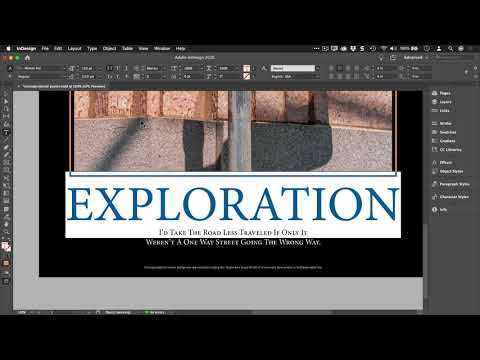
Paragraph Spacing & Working with Tabs
In this video, we'll show you some more fine points of typography such as picas, paragraph spacing, and tabs.

Continue learning more Adobe InDesign in our NYC InDesign classes. For those outside New York, find and compare the best InDesign classes near you or live online Photoshop classes.


