Get Started in Design
Graphic, Web, UX/UI & Motion

Navigate: Right/Left Arrows (or Swipe Left/Right)
Zoom Out: Press Esc (or Pinch)
Check out our Design Classes
These slides are for the webinar: Get Started in Design
We’re Going To Discuss
-
Different types of digital design:
(Graphic Design, UX Design, UI & Web Design, Motion Design) - What do designers do? (including examples of design work)
- What apps do designers use?
- What type of computer do you need?
- Portfolio websites & demo reels.
How to Get Started
- Figure out what type of design you’re most interested in.
- Learn the apps you’ll be designing with.
- Learn design concepts: typography, color, composition, animation, user interaction, etc.
- Practice, practice, practice.
- Build a portfolio or demo reel.
Graphic Design
What is Graphic Design?
- Visual communication through artwork or combined images and text.
- Designing logos, ads, social media graphics, websites, apps, books, and more.
- Different mediums: digital, web, print, presentations, and more.
- Some people associate graphic design with older types of design (such as print) because new types of designs have specific names (web design, UI design, etc.).

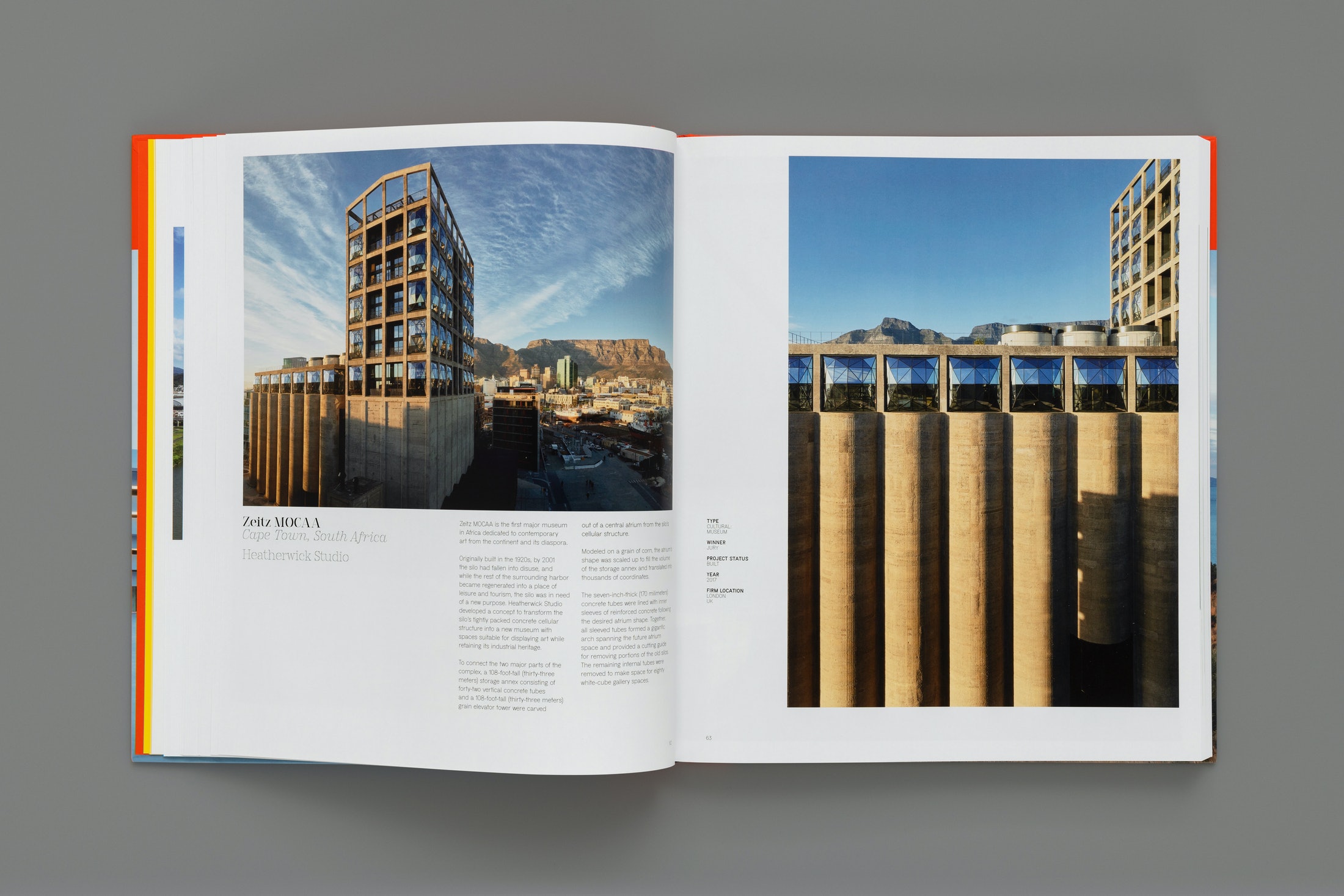
Example: Book Design
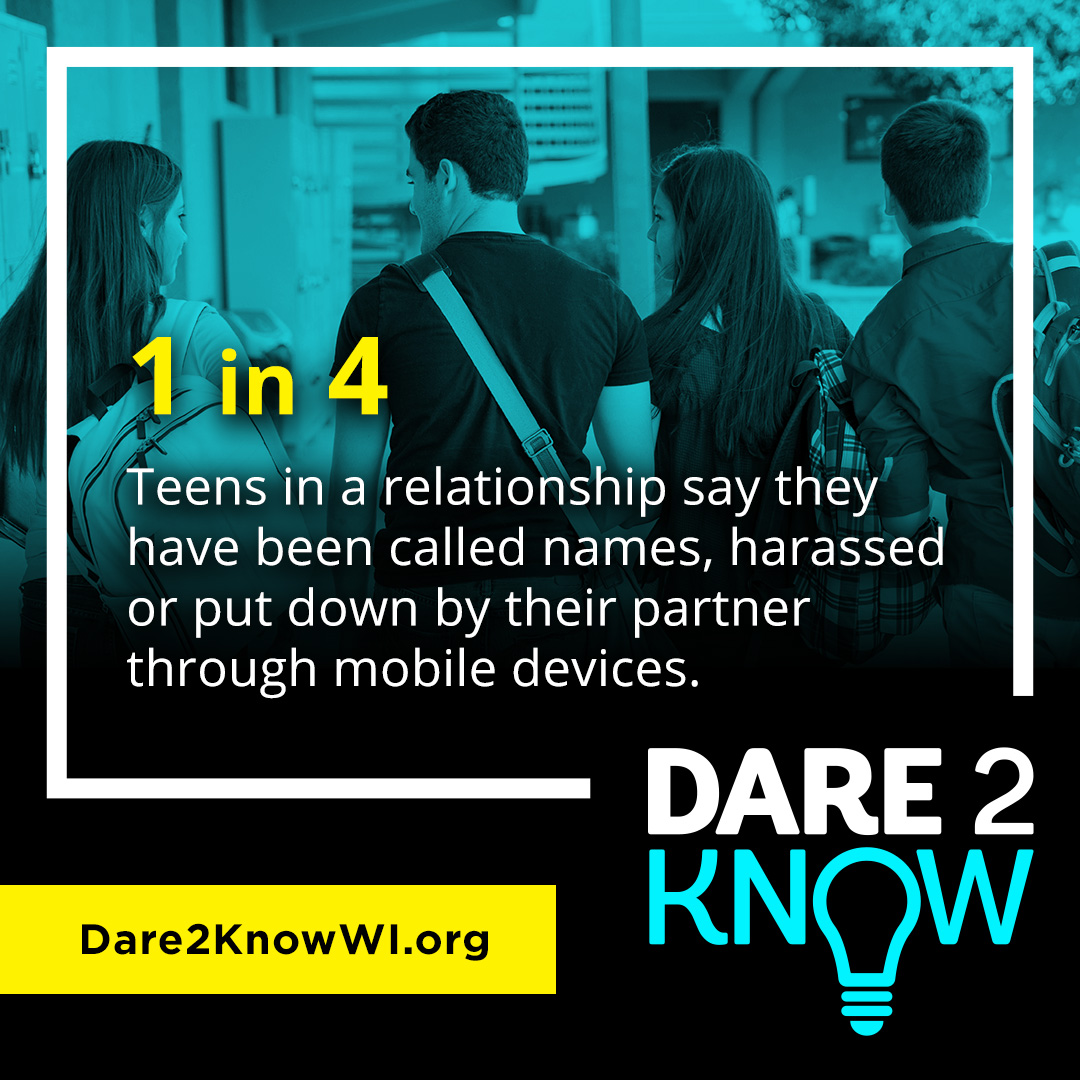
Example: Social Media
Example: PowerPoint
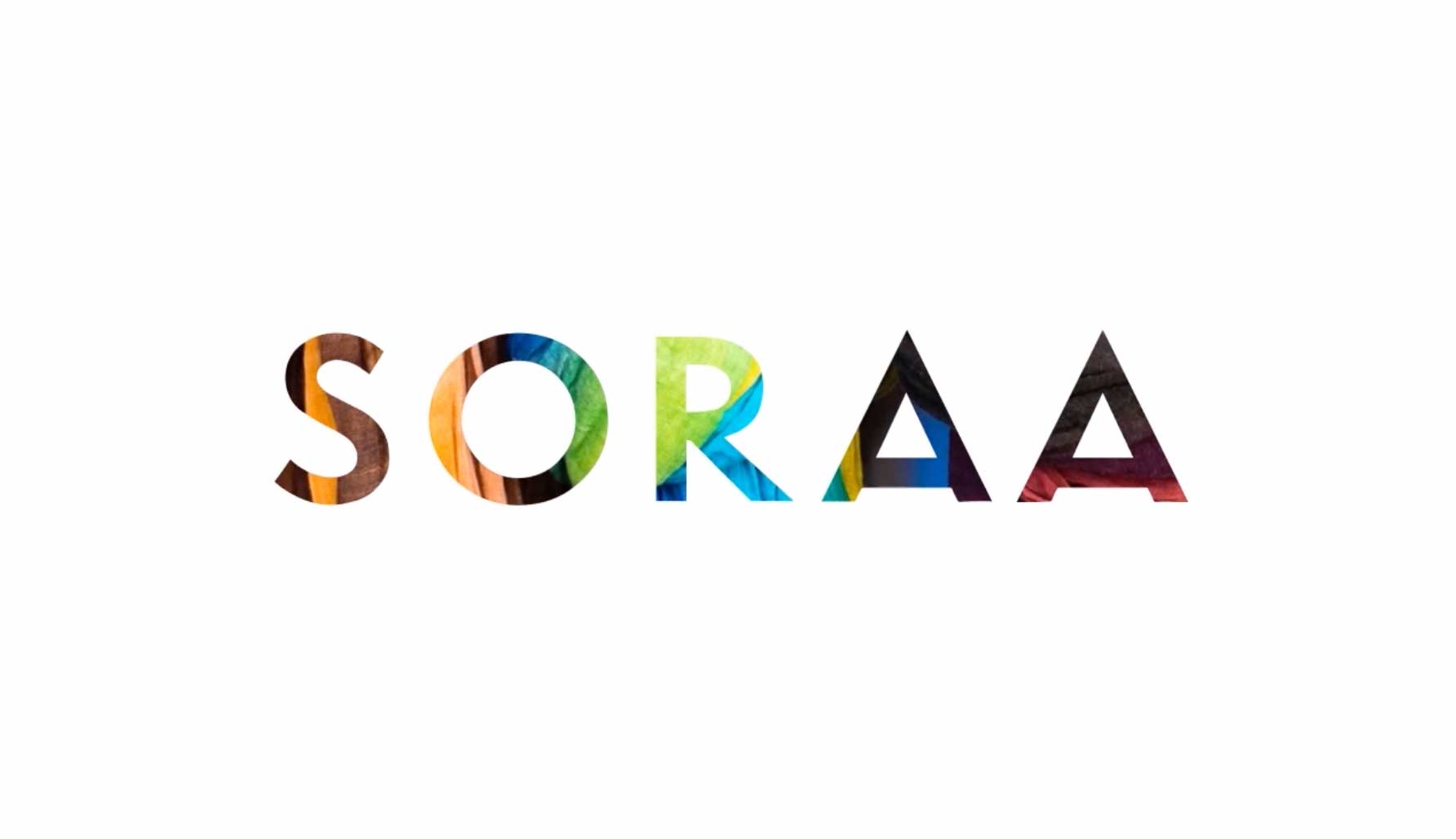 SORAA presentation design by BrightCarbon
Apps for Graphic Design
- Adobe Photoshop
- Adobe InDesign
- Adobe Illustrator
- PowerPoint (niche, many designers don’t know)
Learn Graphic Design
Check out our Graphic Design Certificate
UX Design
What is UX Design?
- Designing the customer experience, which should be easy, intuitive, and anticipates the customer’s needs.
- User centric design which includes user research, product development, user testing, and more.
- Noble Desktop Blog Article: What is UX Design?
Examples: UX Design
Apps for UX Design
Learn UX Design
Check out our UX Design Classes and UX & UI Design Certificate
UI & Web Design
What is UI & Web Design?
- UI (User Interface) Design is designing the visuals of digital products such as apps and websites.
- You design the layout, type, color, composition, and visuals.
- UI Design is sometimes called Visual Design.
- Unlike static mediums like print, UI and web design can also include user interaction and animation.
Examples: Web Design
Examples: App Design
Apps for UI/Web Design
- Figma
- Adobe XD
- Sketch (Mac only)
- Adobe Photoshop (for photo editing & graphics)
- Adobe Illustrator (for icons, illustrations, etc.)
- Code editor: Visual Studio Code (free) is the most popular
Should I Learn Code?
- We think web coding skills are very helpful to designers.
- Code is how the web works. Understanding code allows you to better understand the web.
- Helps you to better communicate with developers.
- Helps you know what’s possible, so a developer won’t make you change your design.
- Helps you know how easy/hard a design will be to implement (some designs will take more time and cost more).
Web Animation
Various technologies are used to animate on the web:
- Animated GIFs: used a lot in HTML Email
- After Effects: animation for video and animated GIFs
- JavaScript: including libraries such as GreenSock
- CSS: for simple animation
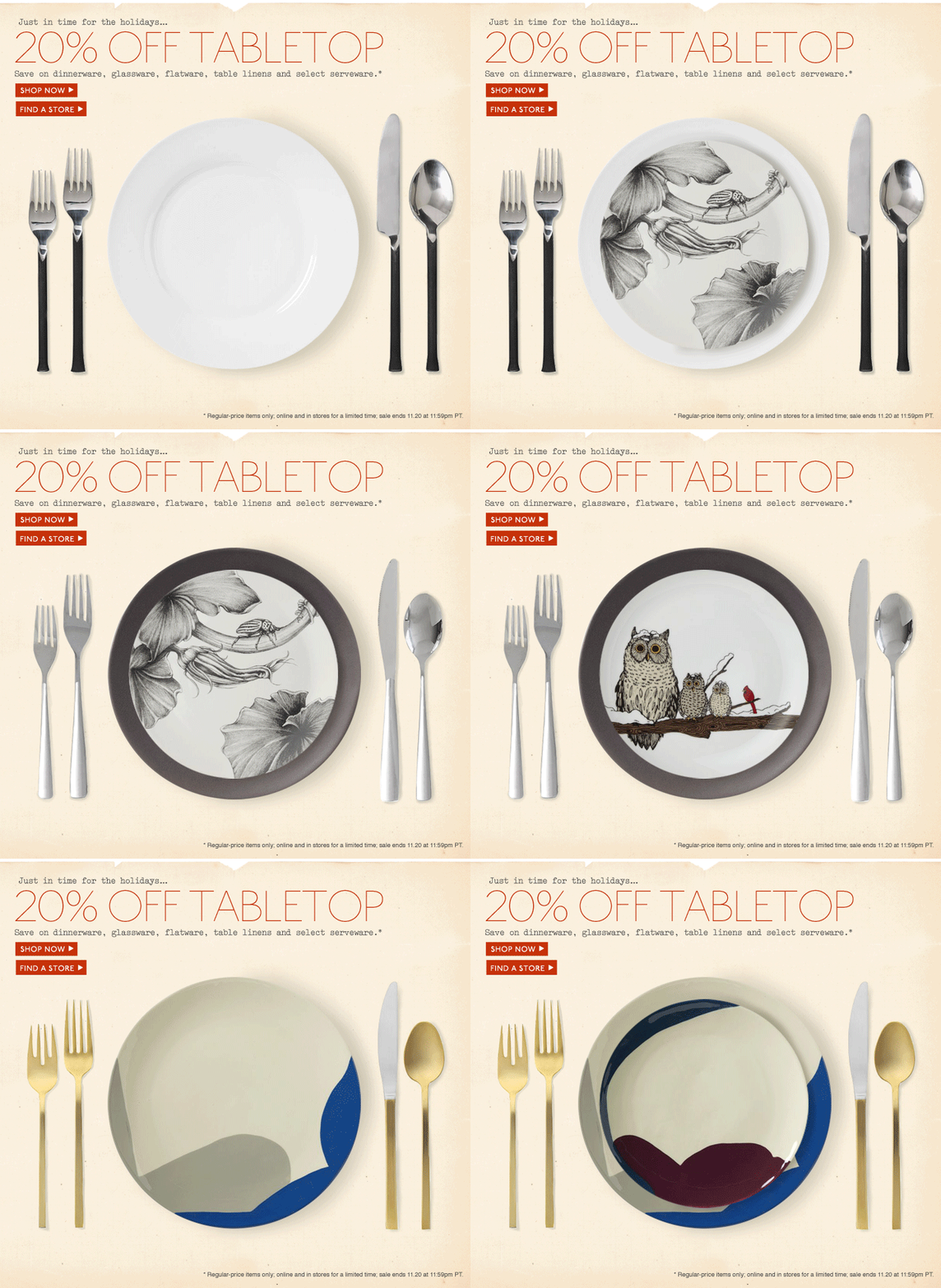
Example: Animated GIF
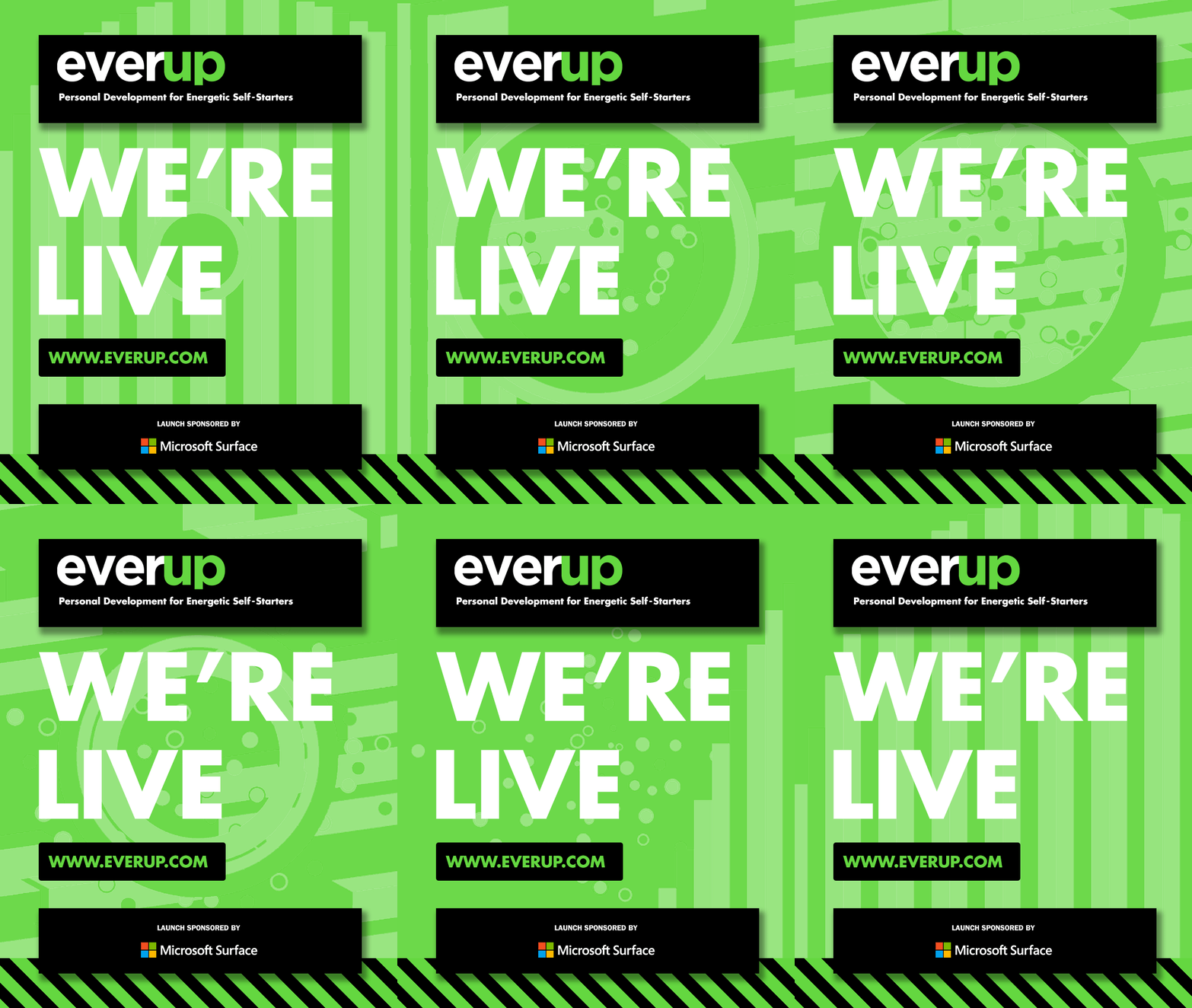
Examples: GreenSock Animation
Learn Web Design
Check out our:
Motion Design
What is Motion Design?
- Motion design is like graphic design for video and animation.
- Uses graphic design concepts such as typography, color, composition, etc. and adds in movement, time, sound, etc.
- Can be for social media, web, apps, video (TV, movies), etc.
Apps for Motion Design
We previously covered web animation, so now we’ll focus on video motion design.
Example: After Effects
Example: After Effects
Example: After Effects
Example: After Effects
Example: Video Editing
Example: Video Editing
Example: Video Editing
Get Started with Video Editing
- Don’t have video footage and can’t afford stock video?
- Get free stock footage at Coverr.co and Cinestudy.org
- Mobile phones can capture HD or 4K video, so shoot your own! One of the best films at Sundance was shot using an iPhone 5S.
- There are many types of videos you can create: social media, promos, how-to, ads, and more.
Learn Motion Graphics & Video Editing
Check out our Motion Graphics or Video Editing Certificates.
Our Video Editing & Motion Graphics Certificate includes both!
Computer Advice
For the most part, any decent up-to-date Mac or PC should work.
Computers for Designers
- Most designers use Macs. Some apps (like Sketch & Final Cut Pro) only work on a Mac.
- PCs can run most design apps, and are better for some apps (like PowerPoint and AutoCAD).
- Getting a Mac? Apple Silicon (M1) Macs are faster than Intel-based Macs (which Apple has phased out).
- Get a hi-res display (Apple calls Retina) such as a 4K monitor.
- Video apps like After Effects and Premiere Pro are more demanding. Speed, RAM, and good graphics card help.
Portfolios & Demo Reels
Final Thoughts
Design as much as you can. Practice makes perfect.
Have fun!
Learn More
Get started in Noble Desktop’s Certificate Programs & Classes:
Graphic Design
Web Design
Visual or UI Design
Motion Graphics
Video Editing
UX Design